

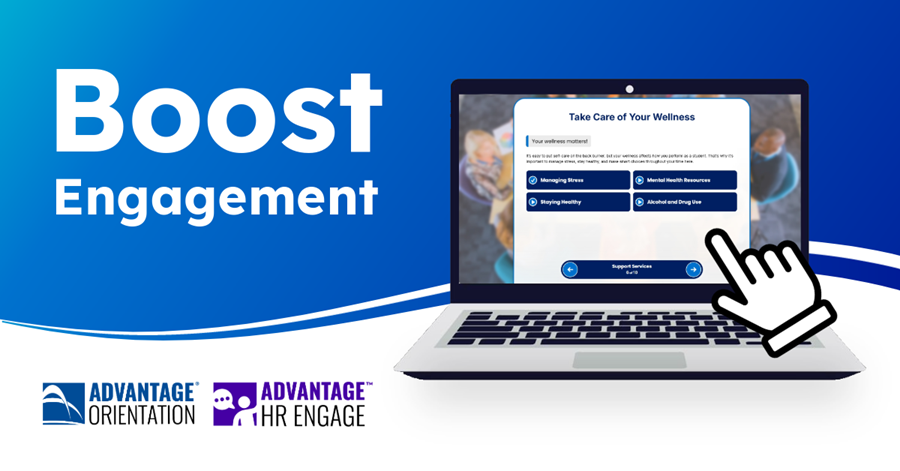
A strong orientation sets the tone for a successful journey, but getting users to truly engage with orientation content can be a challenge. Excitement, nerves, and information overload can be distracting, resulting in:
- Low information retention and confusion
- Bumpier transition and disconnection
- Low preparedness and difficulty acclimating and driving productivity
Online orientation combats these challenges, but it’s important to continue to drive engagement and improvement. Whether you’re using Advantage Orientation to welcome new students or Advantage HR Engage to orient new hires, there are myriad ways to boost engagement and prepare your new additions for a strong start.
Basic Slides for Clear Understanding
Your Advantage experience comes with various slide and content types. Basic slides present the most relevant information clearly with text-based content and supportive visuals. Whether you’re explaining FAFSA to students or benefits to employees, clear formatting with headers, short paragraphs, and reveal options organize and clarify information, answering questions that users may not even know to ask.
Engagement Through Interactivity
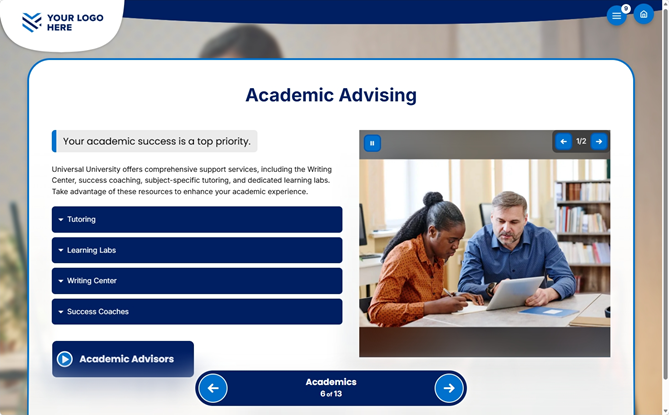
Interactive slides make your orientation interesting, with video-rich delivery, gamification, and understanding checks. More importantly, they transform passive viewing into active learning. Instead of reading through large blocks of content, users engage with it; answering questions, exploring topics, and applying what they learn in real time. Breaking content into smaller, digestible pieces and reinforcing it through interaction helps improve retention and comprehension. Immediate feedback on answers builds confidence and ensures key concepts stick before users move forward.
Multimedia elements also play a critical role. Incorporating video, audio, and dynamic visuals supports accessibility and inclusivity, enabling users to learn in the style that best fits their needs. Strategically placing these interactive elements throughout the experience keeps energy high and prevents content fatigue.
Variety to Support Learning
Beyond basic and interactive slides, your Advantage experience includes a wide range of slide types designed to meet users where they are and guide them through orientation in a way that feels intuitive and personalized.
Video slides and video grids allow you to deliver important messages in a more human, engaging format. These formats are ideal for welcome messages, leadership introductions, or walkthroughs of key processes. Reveal videos and accordion-style content give users control over how they explore information, helping reduce content overload while still making information accessible.
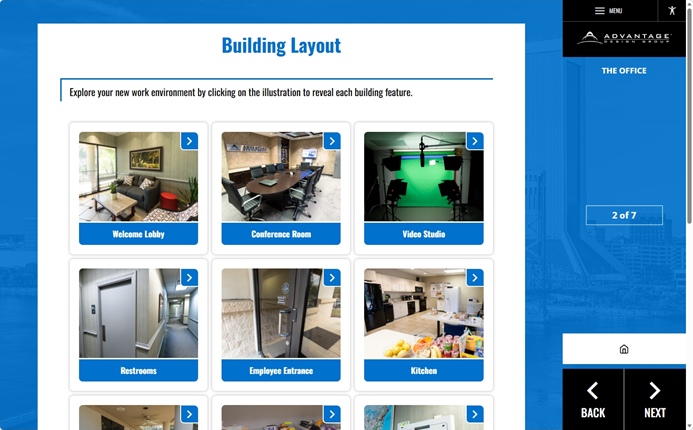
Self-directed pathways empower users to choose what’s most relevant to them, whether that’s exploring different academic programs, benefits options, or workplace resources. Similarly, interest boards allow users to select topics they care about and revisit them later through a curated “Items of Interest” page, turning orientation into a personalized resource hub rather than a one-time experience.
Gamified slides like memory games and word searches add an element of fun while reinforcing key information. These are especially effective for summarizing important concepts or reintroducing terminology in a low-pressure, engaging way.
Reinforcement to Drive Information Retention
Wrap-up and next step slides play a critical role in reinforcing critical information and empowering users to take meaningful action. Checklists provide a clear path forward, ensuring users know exactly what tasks they need to complete, while surveys offer an opportunity to gather feedback and continuously improve the orientation experience.
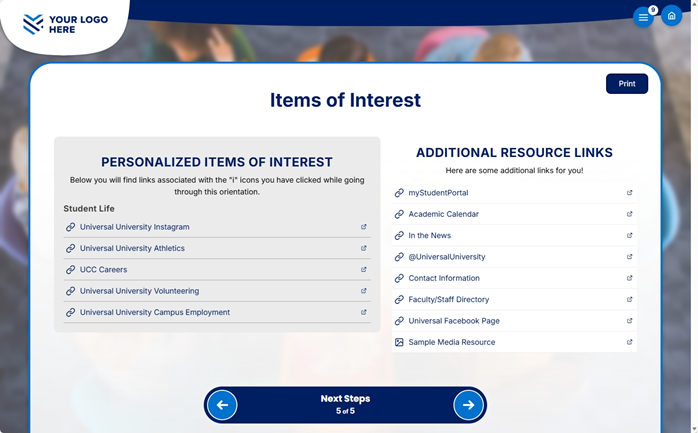
Forms and master tests can be used to confirm understanding or collect essential information, while final knowledge checks reinforce key takeaways. Most importantly, the “Items of Interest” feature compiles everything users have flagged throughout their journey, giving them an easy-to-access list of resources they can return to at any time.
Better Outcomes through Thoughtful Design
An effective online orientation is about designing an experience that actively supports learning, engagement, and preparedness. By combining clear foundational content with interactive elements, varied slide types, and intentional reinforcement, you create an orientation that not only informs but empowers.
Looking for ways to tailor your orientation to your organization’s specific needs? Your Advantage Account Manager is here to help you design, implement, and optimize an experience that works for you, so you can focus on what matters most: setting up every new start for success.
Related Content:
4 Strategies to Transform Your Orientation Experience
Hazing Prevention Programs That Protect Students and Campus